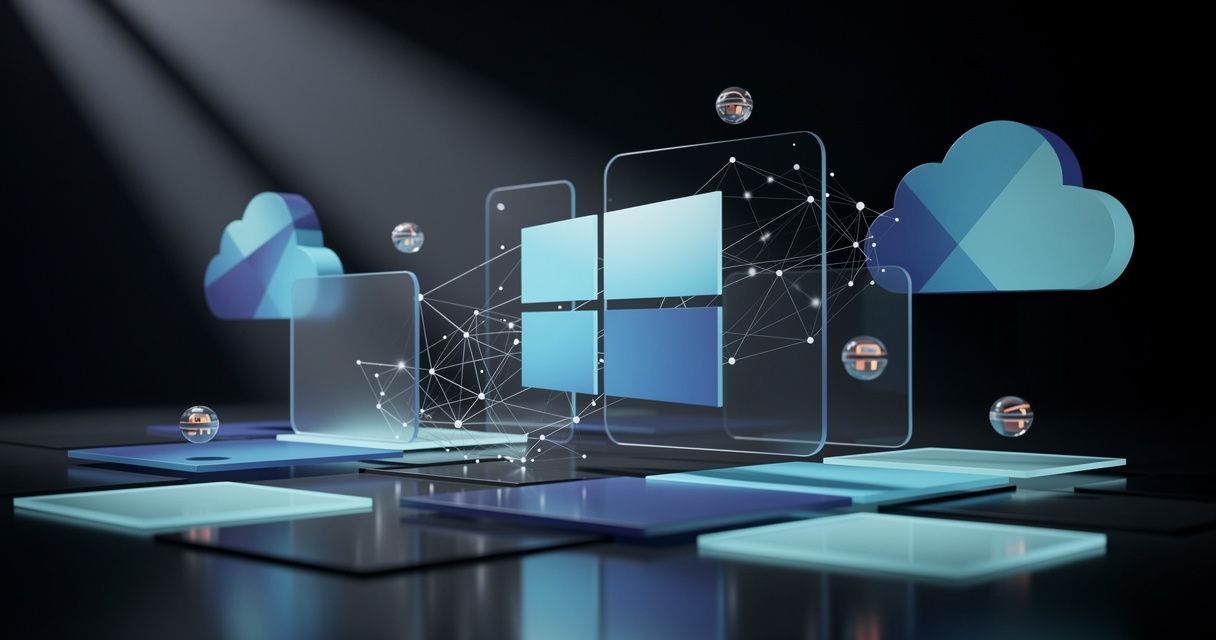
There are moments in tech when the ground shifts beneath your feet. You do not feel it immediately, but years later you look back and realize everything changed in a single week. Microsoft Build 2026, which wrapped up in San Francisco last week, was one of those moments.
The headline is simple: Windows is no longer a platform for running applications. It is becoming a runtime for registering, orchestrating, and deploying persistent AI agents.
That is not marketing fluff. It is a fundamental reimagining of what a personal computer does — and Microsoft shipped the code to prove it.
The Windows Agent Framework: Agents at the OS Level
The centerpiece of Build 2026 is the Windows Agent Framework (WAF) — open-sourced under MIT and available on GitHub today. This is what separates Microsoft’s approach from every other AI platform announcement this year. Competitors baked agents into development tools. Microsoft baked them into the operating system itself.
WAF provides four core building blocks:
- •**Agent Registration Service** — a persistent local daemon that keeps agents alive, monitors health, and handles versioning without developer intervention.
- •**Declarative Agent Manifest** — an `agent.json` schema file that defines capabilities, required APIs, and data contracts, versioned in Git alongside your code.
- •**Cross-Agent Communication Bus** — a gRPC-based pub/sub system that lets agents signal each other without hard dependencies.
- •**Memory Service** — a persistent, AI-native cache for conversational context, user preferences, and learned patterns, encrypted and user-controllable.
The wagent CLI packages everything into a single deployable. The same manifest runs on Windows 11, Windows Server 2026, Windows IoT, and Windows 365 Cloud PCs without modification. Think of it as the Dockerfile moment for AI agents — one manifest, any Windows runtime.
Visual Studio 2026 (v17.12) ships with an Agent Designer for YAML-based manifest editing and native project templates. Hit F5 and you deploy to a local sandboxed agent runtime. Microsoft even published a Linux version of the Agent Designer — a notable and welcome move for a traditionally Windows-centric toolchain.
Power Meets Efficiency: NVIDIA RTX Spark
Great software deserves great hardware, and Microsoft and NVIDIA delivered exactly that. At NVIDIA GTC, the two companies announced the world’s most powerful and efficient thin-and-light Windows PCs ever, accelerated by NVIDIA RTX Spark.
These machines are purpose-built for the agent era. RTX Spark delivers 1 petaflop of AI performance, up to 6144 Blackwell RTX cores, up to 20 power-efficient Arm-based cores, and up to 128GB of unified memory. For developers and creators, that means the ability to run advanced AI workloads locally, debug agentic code in real time, and render complex projects without breaking a sweat.
Microsoft optimized Windows itself for RTX Spark:
- •**Workload Profile Scheduling (WPS)** — the Windows scheduler now scales workloads efficiently across all 20 cores, so whether you are checking email or running an agent to debug code, you get the best performance and efficiency.
- •**Microsoft Power and Thermal Framework (MPTF)** — maximizes performance on the go while keeping machines cool under intense agentic workloads.
- •**Unified memory optimizations** — a new, higher GPU memory limit on high-memory systems unlocks the ability to load larger local AI models and handle bigger contexts without cloud round-trips.
- •**Prism emulation enhancements** — tuned for RTX Spark’s microarchitecture, ensuring x86 apps run smoothly even under emulation.
The result is a PC that does not just run agents. It is built *for* them.
Local AI Without the Cloud Tax
One of the most liberating developments at Build was the maturation of Foundry Local. What began as a preview is now a genuinely practical on-ramp for developers who want AI power without Azure subscriptions, API keys, or per-token costs.
The new AI Foundry for Windows SDK bundles the ONNX Runtime, DirectML, and the Copilot Runtime into a single NuGet package. Previously, wiring these up meant managing three separate libraries. Now it is one install:
`bash
# Install Foundry Local
winget install Microsoft.FoundryLocal
# Add to your .NET project
dotnet add package Microsoft.Agents.AI
dotnet add package Microsoft.AI.Foundry.Local.WinML
Your data stays on-device. The SDK auto-targets whatever hardware is available — NPU on Copilot+ PCs, GPU on gaming rigs, CPU on everything else. C#, JavaScript, Python, and Rust are all supported. The minimum bar is Windows 10/11 x64 with 8 GB RAM, though 16 GB is where things get comfortable.
For privacy-conscious organizations and developers who simply prefer local control, this is a game-changer.
OpenClaw, OpenShell, and the Agent Security Model
Security was not an afterthought at Build — it was woven into every layer. NVIDIA is bringing NVIDIA OpenShell to Windows, built on new Windows security and containment primitives. Hermes Agent and OpenClaw are integrating OpenShell and these new Windows primitives into their Windows applications, enabling customers to run agents securely within developer and creative workflows.
This matters because agents are not chatbots. They are persistent, autonomous, and capable of taking action. Running them locally with OS-enforced identity, containment, and manageability is exactly the right architecture. Microsoft and NVIDIA are setting the standard for how agent security should work: at the OS level, not bolted on afterward.
Microsoft Agent Framework 1.0: The Programming Model
The Windows Agent Framework is the OS container. The Microsoft Agent Framework 1.0 (MAF) — released GA in April — is what goes inside it. MAF is an open-source .NET and Python library for building and orchestrating multi-agent workflows with graph-based execution. The NuGet package is Microsoft.Agents.AI (v1.7.0), with connectors for Azure OpenAI, standard OpenAI, and the GitHub Copilot SDK.
If you are building anything agentic on .NET today, this is the official starting point. The 1.0 GA means API stability. It is safe to build on now.
GitHub Copilot Agent Mode: From Promise to Production
Copilot’s autonomous coding agent launched at Build 2025. A year later, Microsoft presented real production numbers. The feature is now GA in VS Code and JetBrains: assign a GitHub issue to Copilot, and it writes code, runs tests, and opens a pull request autonomously in the background.
The agent is scoped strictly to copilot/* branches and runs inside an isolated GitHub Actions runner with three-layer security scanning — CodeQL for static analysis, secret detection, and dependency review. Model routing picks the best model for the task — Claude Sonnet 4.6, GPT-4o, or Gemini 2.0 — so you get intelligent execution without manual configuration.
Model Choice Expands: Mistral Medium 3.5 Joins Copilot Studio
While Build focused heavily on the Windows platform, Microsoft also expanded model choice in Copilot Studio with the addition of Mistral Medium 3.5 for agent building and orchestration. This is especially significant for EU organizations, as it provides strong multilingual performance with in-region data processing and avoids extra procurement overhead.
Admins maintain full control via opt-in switches in the Microsoft 365 admin center and Power Platform admin center. Makers can select Mistral Medium 3.5 from the model selector once enabled. It is a thoughtful, governance-first approach to expanding AI choice — exactly what enterprise teams need.
What This Means for Developers
If you build on Windows or .NET, the path forward is clear:
1. Clone the Windows Agent Framework on GitHub and read the spec. Open issues for your use case. This is open source, and Microsoft is actively iterating based on community feedback.
2. Install Foundry Local with a single winget command. Run a model locally and benchmark your hardware. You might be surprised what your existing machine can do.
3. Add `Microsoft.Agents.AI` to a side project. The 1.0 GA means API stability. This is safe to build on now, and the skills you develop will transfer directly to production agent deployments.
The era of agents is not coming. It is here, it is open-source, and it runs on the PC you already own.
Final Thoughts
Microsoft Build 2026 will be remembered as the conference where Windows evolved from an application platform into an agent runtime. The combination of WAF, RTX Spark hardware, Foundry Local, and the Microsoft Agent Framework gives developers a complete, coherent stack for building the next generation of intelligent software.
Best of all, the approach is open, portable, and developer-friendly. One manifest. Any Windows surface. Local or cloud. Your choice.
That is the Microsoft ecosystem at its best: powerful, flexible, and built with developers at the center.
Happy building! 🚀