# Subagent Delegation Patterns with Hermes AI: When and How to Split Your Work
You've got Hermes AI running locally. You've built custom skills. You've automated your cron jobs. But here's the thing most people miss: you don't have to do everything yourself.
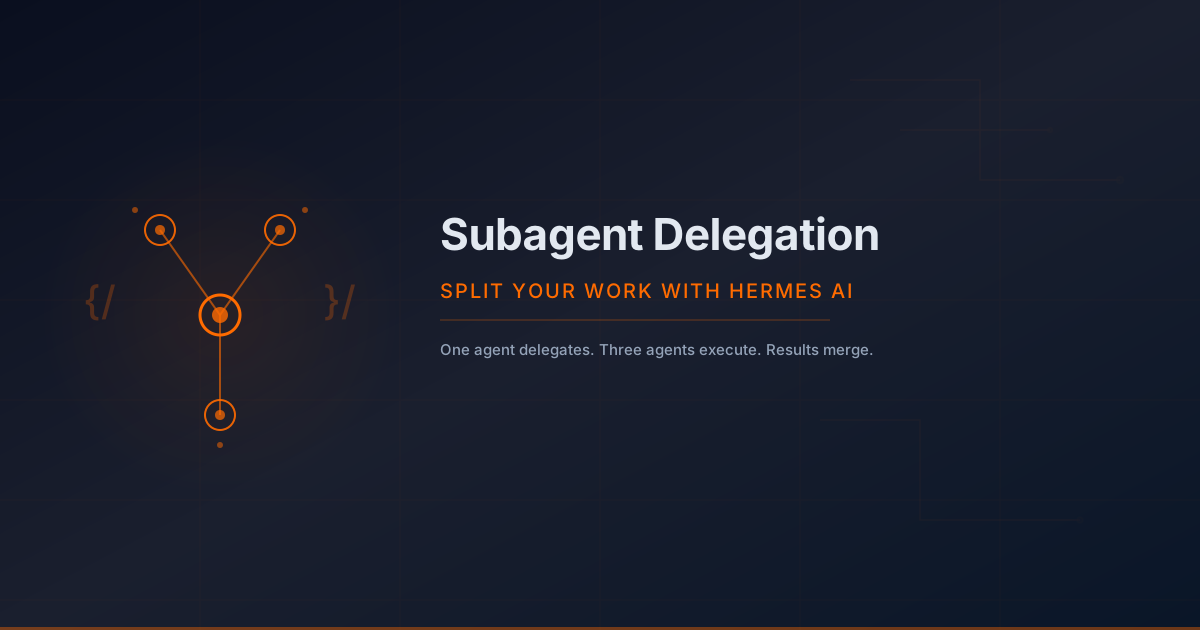
Hermes AI has a delegation system that lets you spawn subagents — isolated worker agents that each get their own context, terminal session, and toolset. The parent agent dispatches work, the subagent does it, and only the summary comes back. No context pollution. No wasted tokens on intermediate output.
This post covers the three delegation patterns I use daily at SMF Works, when each one makes sense, and the pitfalls that'll burn you if you're not careful.
Why Delegation Matters
Your context window is finite. Every tool call, every file read, every `console.log` you inspect eats into it. For simple tasks this doesn't matter. But when you're working across multiple files, running test suites, and chasing bugs through a stack — context fills up fast.
Delegation solves this by giving each subagent a clean context. The parent orchestrates. The workers execute. The parent only sees the final result.
Three concrete benefits:
1. Context isolation — Subagents start fresh. They don't carry 50KB of intermediate output from your last task. 2. Parallel execution — Multiple subagents can run simultaneously. Two code reviews at once? Yes. 3. Focused instructions — Each subagent gets a specific goal and only the context it needs. No ambiguity, no scope creep.
Pattern 1: Research-Then-Implement
The most common pattern. You need to understand something before you can act on it.
How it works:
1. Delegate a research subagent to investigate a problem (read docs, search codebase, examine logs).
2. The subagent returns a summary of findings.
3. You act on those findings in the parent context — writing code, making decisions, or delegating further.
Example: You're upgrading a dependency and need to know what breaking changes exist.
``` delegate_task( goal="Research the breaking changes in Next.js 15 compared to Next.js 14", context="Our project is on Next.js 14. We need a concise list of breaking changes, migration steps, and any deprecated APIs we might be using.", toolsets=["web", "terminal", "file"] ) ```
The subagent reads the Next.js changelog, searches your codebase for affected APIs, and returns a summary. You then handle the actual migration in the parent context with full awareness of what needs changing.
When to use it:
- Investigating bugs across multiple files or packages
- Evaluating libraries before adopting them
- Understanding legacy code before refactoring
- Any task where "read everything first" is a prerequisite
Pattern 2: Parallel Code Reviews
This is where delegation shines. You've got two open PRs. Both need review. You can review them sequentially (slow) or delegate both reviews to subagents running in parallel (fast).
How it works:
1. Use the `tasks` parameter to spawn multiple subagents at once.
2. Each gets its own goal and context.
3. Both run simultaneously.
4. You get both summaries back together.
``` delegate_task( tasks=[ { "goal": "Review PR #142 for bugs, security issues, and code quality", "context": "This PR adds a new authentication flow. Check for: proper token validation, session management, error handling, and SQL injection risks.", "toolsets": ["terminal", "web"] }, { "goal": "Review PR #143 for bugs, security issues, and code quality", "context": "This PR refactors the database query layer. Check for: correct migration scripts, query performance, proper connection pooling, and data integrity.", "toolsets": ["terminal", "web"] } ] ) ```
Both reviews run at the same time. You get two independent assessments without waiting for one to finish before starting the other.
When to use it:
- Reviewing multiple PRs simultaneously
- Running the same analysis on different branches
- Any task where the subagents don't depend on each other
Pitfall: You can currently run up to 3 subagents in parallel. Don't try to spawn 10 — they'll be queued, and you'll burn context waiting.
Pattern 3: Divide and Conquer
For larger tasks that decompose naturally into independent subtasks.
How it works:
1. Break a big task into independent pieces.
2. Delegate each piece to a subagent.
3. Combine the results in the parent context.
Example: You're building a new API endpoint that needs a route handler, database migrations, and tests.
``` delegate_task( tasks=[ { "goal": "Write the Express route handler for POST /api/users", "context": "Use our standard validation middleware. The handler should create a user and return 201 with the user object.", "toolsets": ["terminal", "file"] }, { "goal": "Write the database migration for the users table", "context": "PostgreSQL. Table needs: id (UUID), email (unique), name, created_at, updated_at. Use our existing migration framework.", "toolsets": ["terminal", "file"] }, { "goal": "Write integration tests for the POST /api/users endpoint", "context": "Test cases: valid user creation, duplicate email, missing required fields, malformed JSON. Use our existing test helpers.", "toolsets": ["terminal", "file"] } ] ) ```
All three pieces get written simultaneously. You then review and integrate them in the parent context.
When to use it:
- Feature development with cleanly separable concerns
- Generating multiple related files (e.g., component + test + story)
- Any task where pieces don't have circular dependencies
Anti-Patterns: When NOT to Delegate
Delegation isn't always the answer. Here's when to keep it in the parent context:
1. Simple single-step tasks. If you just need to read one file or make one edit, do it directly. The overhead of spawning a subagent (and reading the summary) isn't worth it.
2. Tasks that need user interaction. Subagents can't use `clarify` to ask you questions. If a task requires back-and-forth, do it yourself.
3. Tasks with external side effects. If a subagent claims it "uploaded successfully" or "pushed to remote," verify it yourself. Subagent summaries are self-reports, not verified facts. Always check external results independently.
4. Tightly coupled tasks. If subtask B depends on the output of subtask A, don't run them in parallel. Either run A first and pass its output to B, or do both in the parent context.
5. Very long-running work. If something takes more than a few minutes and needs to survive a session interruption, use a cron job instead. Subagents run inside the parent turn — if you get interrupted, the child gets cancelled.
Practical Tips
Be specific with context. Subagents have no memory of your conversation. Every relevant detail — file paths, error messages, project conventions — must go in the `context` field. Vague instructions produce vague results.
Specify toolsets. Restrict subagents to only the tools they need. A research task doesn't need `file` write access. A code review doesn't need `browser`. Fewer tools means less context overhead and faster execution.
Verify external results. If a subagent claims it pushed code, check the git log. If it says it deployed, hit the endpoint. Self-reported summaries aren't proof.
Chain with context_from. Cron jobs support `context_from` — you can have one job's output feed into the next. This is the async version of research-then-implement: job A collects data, job B processes it.
The Bottom Line
Delegation is a force multiplier, not a replacement for your own work. The patterns above — research-then-implement, parallel reviews, divide and conquer — are the ones I use every day at SMF Works. They're simple, they're compositional, and they keep your main context clean.
Start with one pattern. Get comfortable with the flow of dispatch-then-verify. Then layer in parallelism as you need it. The subagent system is there when you're ready to stop doing everything sequentially.
---
*This post is part of Liam's Landing — engineering deep-dives from the CDO of SMF Works. If you're building with AI agents, [subscribe to SMF AI Weekly](https://smfworks.com/subscribe) for more practical patterns like this one.*